Lutris #
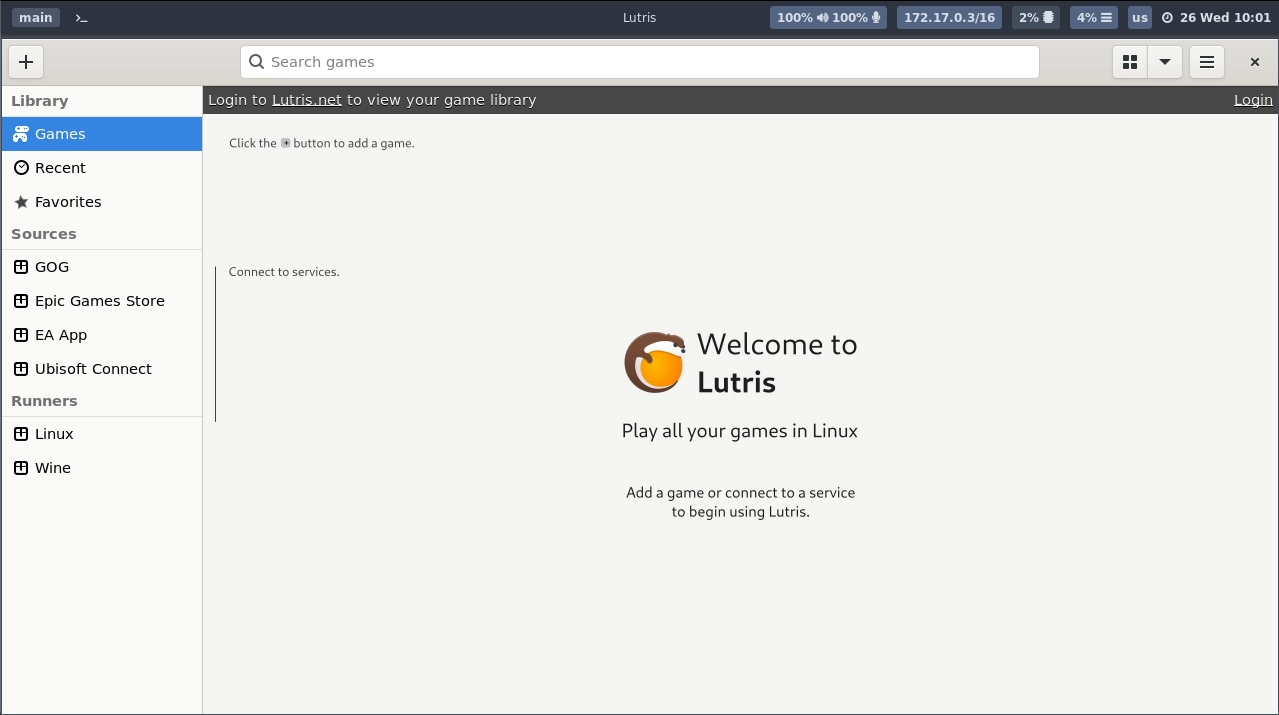
An open-source gaming platform for Linux that allows you to install and manage games from various sources, including Steam, GOG, and more. It simplifies the process of running games on Linux.
Gamepad-UI #
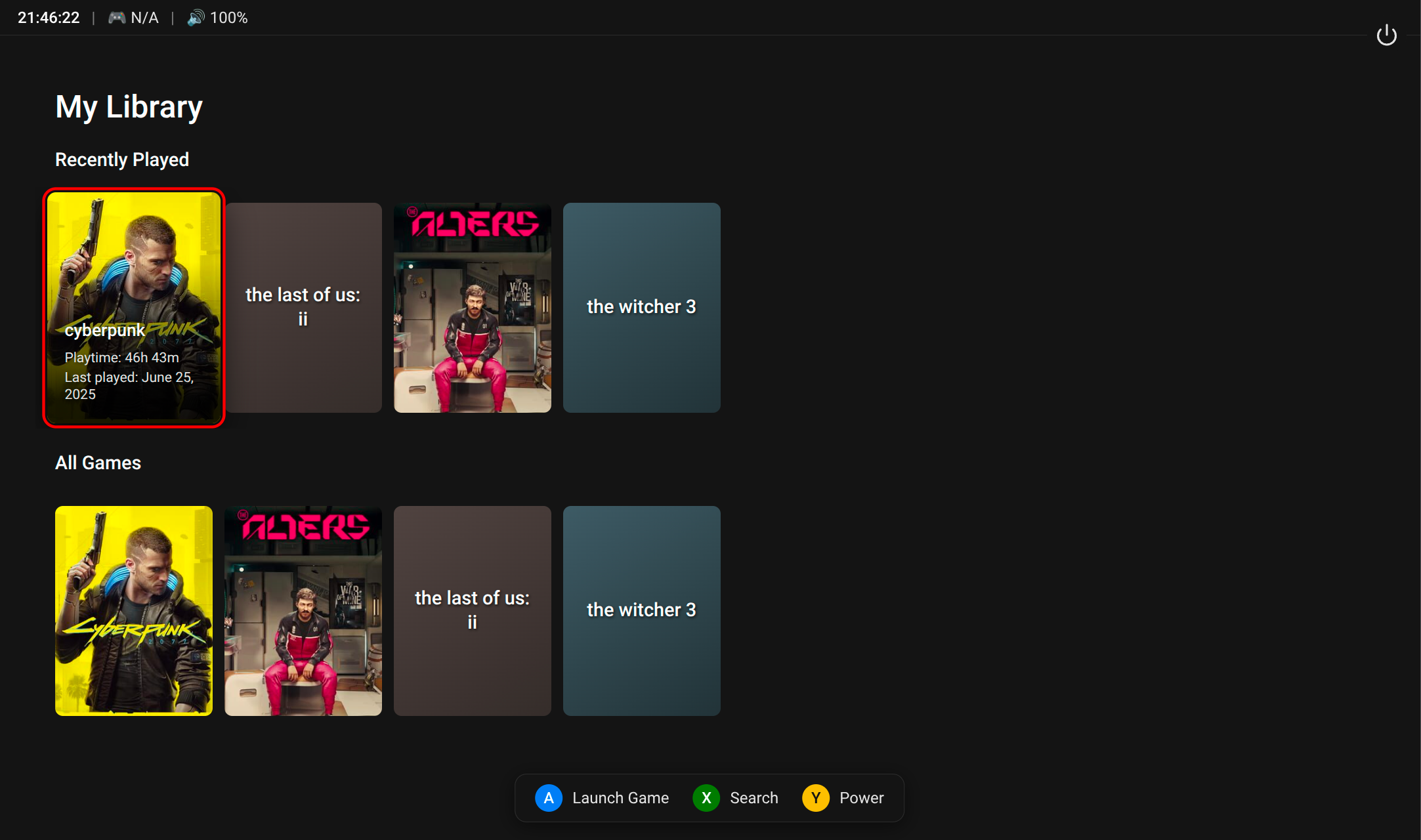
By default Wolf’s Lutris image uses lutris-gamepad-ui, a gamepad-navigable frontend for Lutris library along with many settings.
Typically, you still need Lutris for some operations which are not yet supported by Gamepad UI. Just open Gamepad UI menu and select “Open Lutris” to use the classic Lutris.
If you only want to use the classic UI of Lutris, you can disable Gamepad UI by setting the environment variable WOLF_LUTRIS_GAMEPAD_UI_ENABLE=0 in the config.toml file. Note that by doing so, Gamescope will be disabled and Sway will be enabled by default, which typically means the screen will be split for multiple windows (tiling layout). If you’re not familiar with Sway, you’d better set the environment variable RUN_GAMESCOPE=1 and RUN_SWAY=0.